Wedding photo sharing, without chasing anyone.
Your photographer gets the ceremony. Your guests get everything else: the getting-ready chaos, the table jokes, the dance floor at midnight. Ourview brings those photos out of a hundred camera rolls and into one private wedding album.
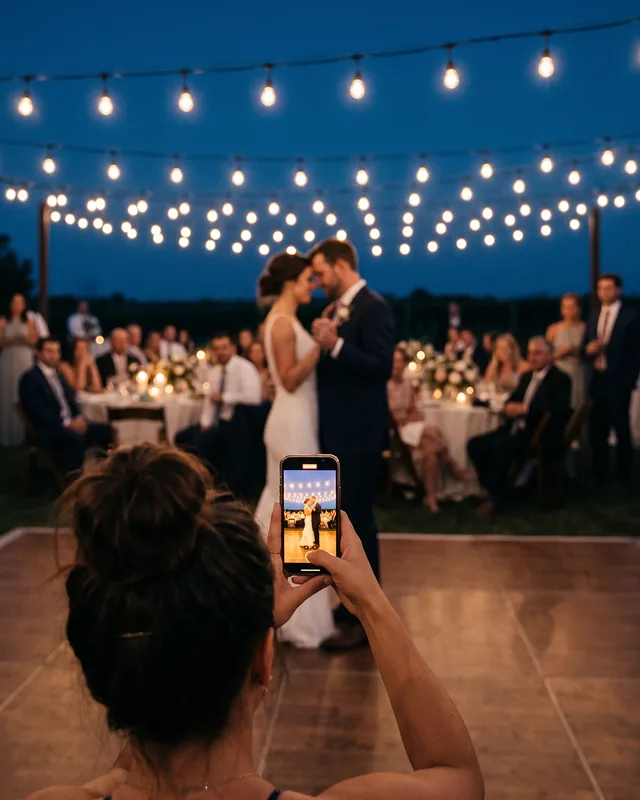
- Works for every relative
- Grandparents and cousins open a link and type a name. There is nothing to install.
- A QR code on the table
- Print it on the place cards or the menu. Guests scan it between courses.
- Reveal after the honeymoon
- Open the gallery the same night, or hold it until you are back and ready to look.
One code on every table.
Set it up the week before. On the day, the album takes care of itself.
1Set up the wedding
Give the event your names and the date, pick how many guests can join, and add a cover photo from the engagement shoot.

2Put the code where guests will see it
Add the QR code to the table cards or the welcome sign, and drop the link in the family group chat for anyone who missed it.
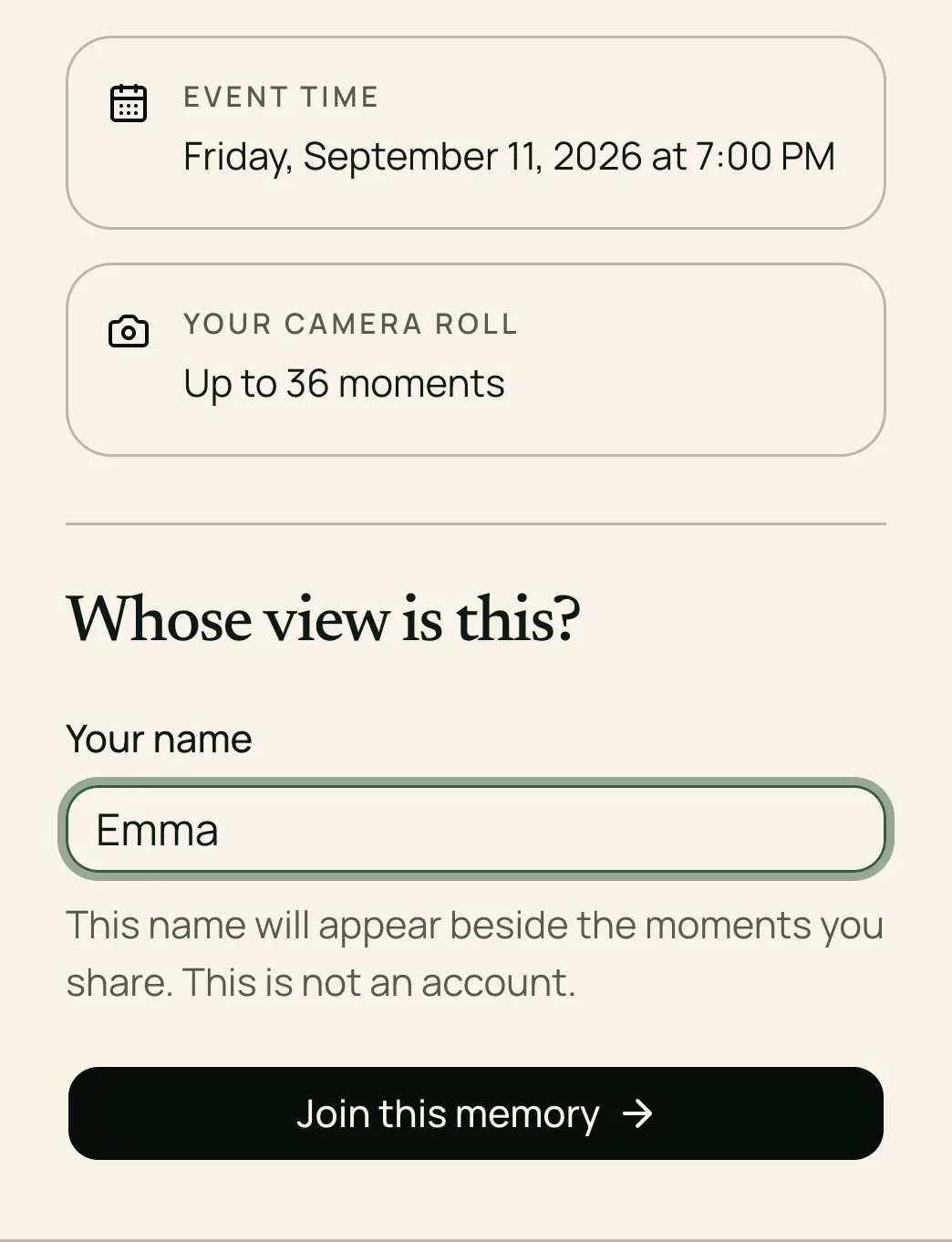
3Watch the album fill up
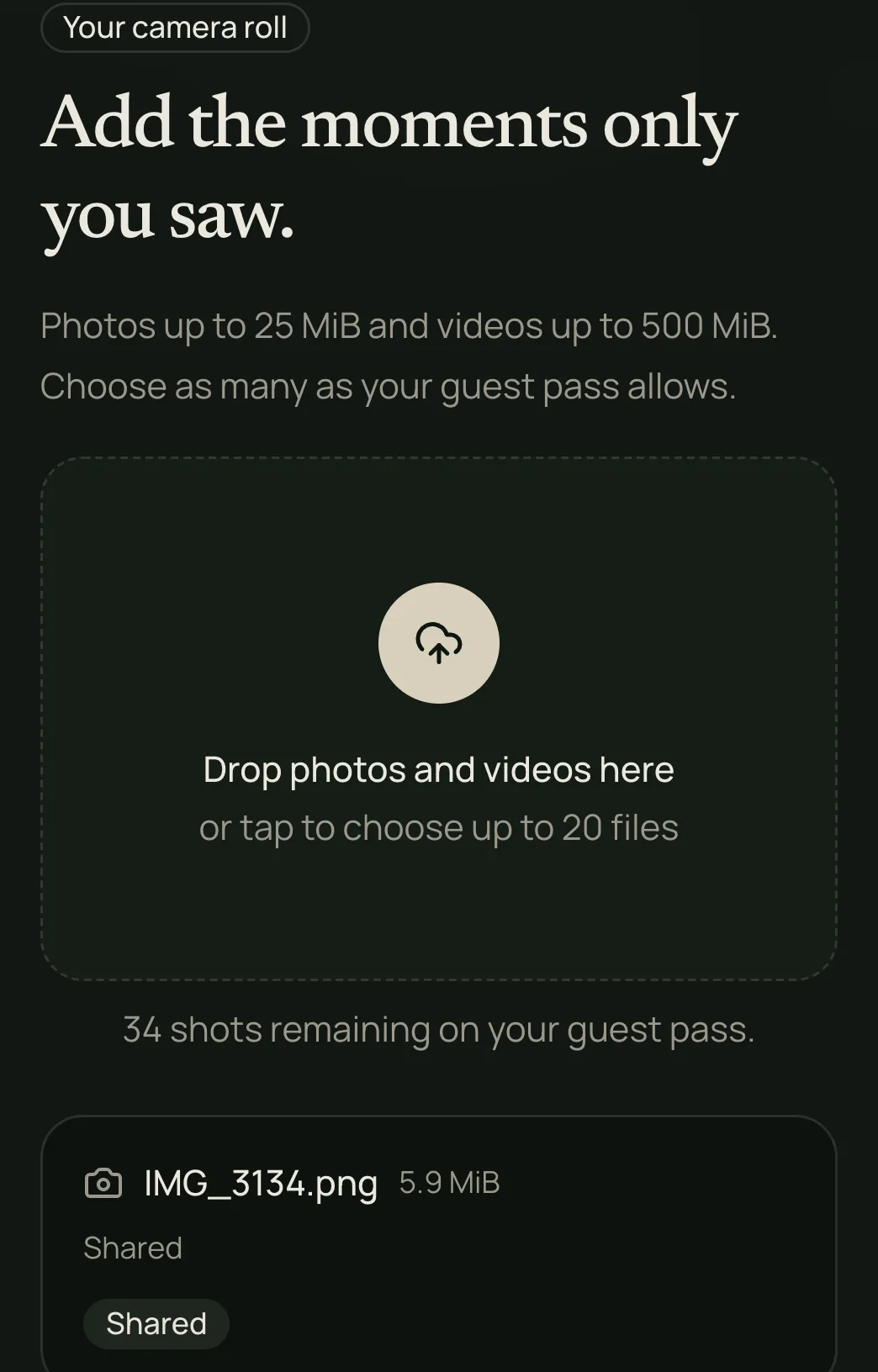
Guests add photos from their own phones during the day. You see everything as it arrives; they see it when you say so.
Wedding questions, answered.
How the QR code, the guests, the photos, and the price work for a wedding.
Print it on the place cards, the menu, or a small sign by the guest book. Each event has one code that works for every guest, so it can appear in as many places as you like.
Another guest can add their photos for them later, or you can open the invitation yourself, join under their name, and add them. Anyone with the link can contribute, so a phone borrowed for a minute is enough.
Anything from a phone camera roll, including the HEIC files iPhones produce. Every photo is kept at full size, in the quality it was taken.
Ninety days from the wedding date. Before then, you can download the whole collection as one ZIP archive with every guest's name on their files. After the period ends, the files are deleted.
An event for up to 100 guests is $29.99, paid once. Smaller weddings start at $14.99 for up to 50 guests, and up to 200 guests is $69.99. Each guest can add up to 36 shots; removing that limit costs $9.99 more.
Every seat at the wedding, one album.
Free for up to five guests, so you can try it at the rehearsal dinner first. See all wedding sizes and prices. Read our guide to collecting wedding photos from guests. Compare Google Photos and Ourview for your wedding. Help guests share their photos with a simple reminder plan. Check your wedding photo files before inviting guests. Download a free wedding photo scavenger hunt card.