A QR code photo album guests can use in seconds.
Behind the code is your event's private invitation link. A phone camera reads it, the invitation opens in the browser, and the guest is adding photos before the next song starts. No download, no login, no explaining.
- The camera app is enough
- Every recent phone reads QR codes from the camera. Guests scan and land on your invitation.
- One code for the whole event
- The same code works for every guest, from the first arrival to the last dance.
- Replace it if it leaks
- Rotate the invitation link and the old code stops working the same second.
From screen to table in a minute.
The code exists the moment the event does. The rest is deciding where to put it.
1Create the event and open the invitation
Your event's invitation panel shows the QR code on screen, with the private link beside it and a Copy link button.

2Put the code where people look
A card on each table, a sign at the entrance, a slide on the venue screen. Anywhere a phone can point at it.
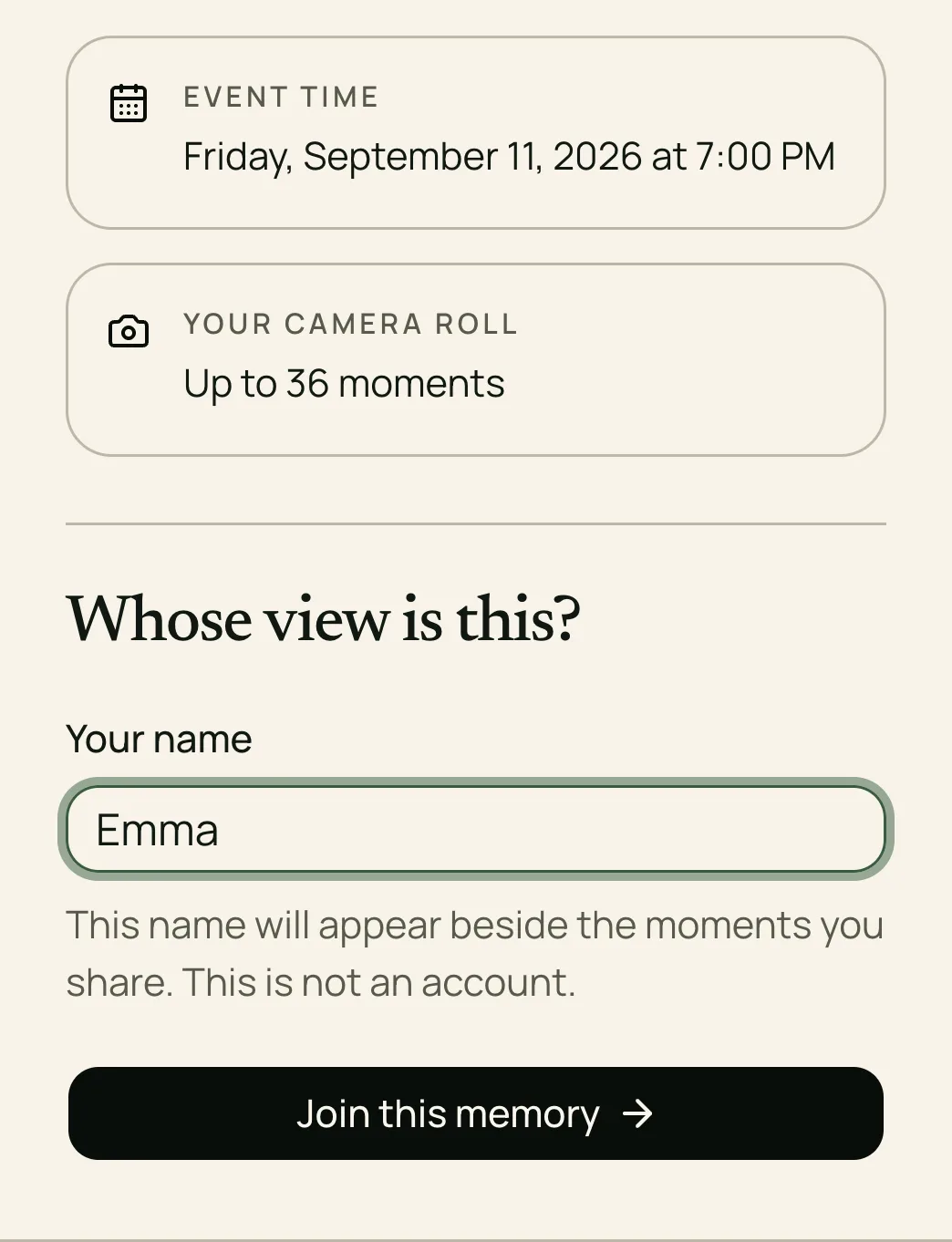
3Guests scan, type a name, and add photos
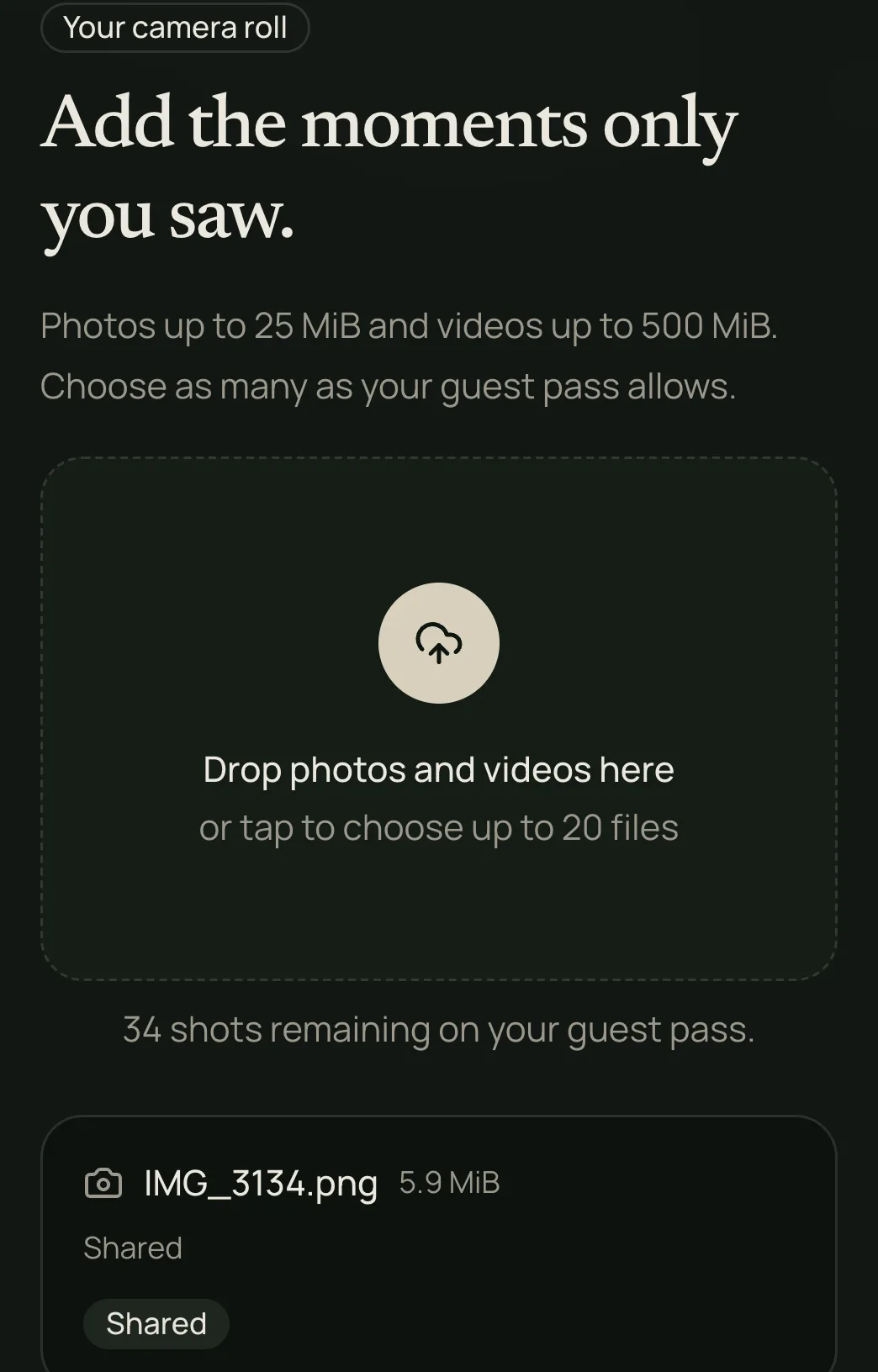
The scan opens the invitation in their browser. They enter a name, and everything they add carries it.
QR code questions, answered.
Printing, expiry, who sees what, and what to do when a scan fails.
The code is simply your invitation link, encoded. Screenshot the code from the invitation panel, or copy the link and paste it into any QR generator to make a version at print size. Both open the same invitation.
It works until uploads close, which is the time you choose or the end of the event's 90-day storage period, whichever comes first. If you rotate the invitation link, the previous code stops working immediately and you print the new one.
Only if you chose a shared gallery, and only after the reveal time you set. In a host-only gallery, scanning lets guests add photos but never shows them the collection.
Send them the link instead. Copy it from the invitation panel and paste it into a message; it opens the same page the code does.
As many as the guest capacity you picked when creating the event: from 5 guests on the free tier to 200, or unlimited guests for $99.99. Once the capacity is full, later scans are told the event has no room left.
One code. The whole event.
Create an event, open the invitation, and the code is ready. See the full flow. Create and test your wedding photo QR code. Get sign wording and printable templates. Download, organize, and back up your event photos.